Lihenium: Scan PDF & Vault keeps scanned pages, imported PDFs, folders, and recent activity readable instead of burying everything inside one endless list.
Android document workspace
Offline first
Scan, organize, and protect documents.
Your files stay available offline, even without Wi-Fi. Backup and online restore stay optional and fully in your control.
Document scan
OCR and QR
PDF tools
Secure Vault
Google Drive backup
Passport Studio
Cleaner daily workflow
Jump from home to scan, import, folders, tools, recent activity, and vault without hunting around.
Privacy-minded by default
Most document work stays on-device. Google sign-in is optional when you want backup and restore.
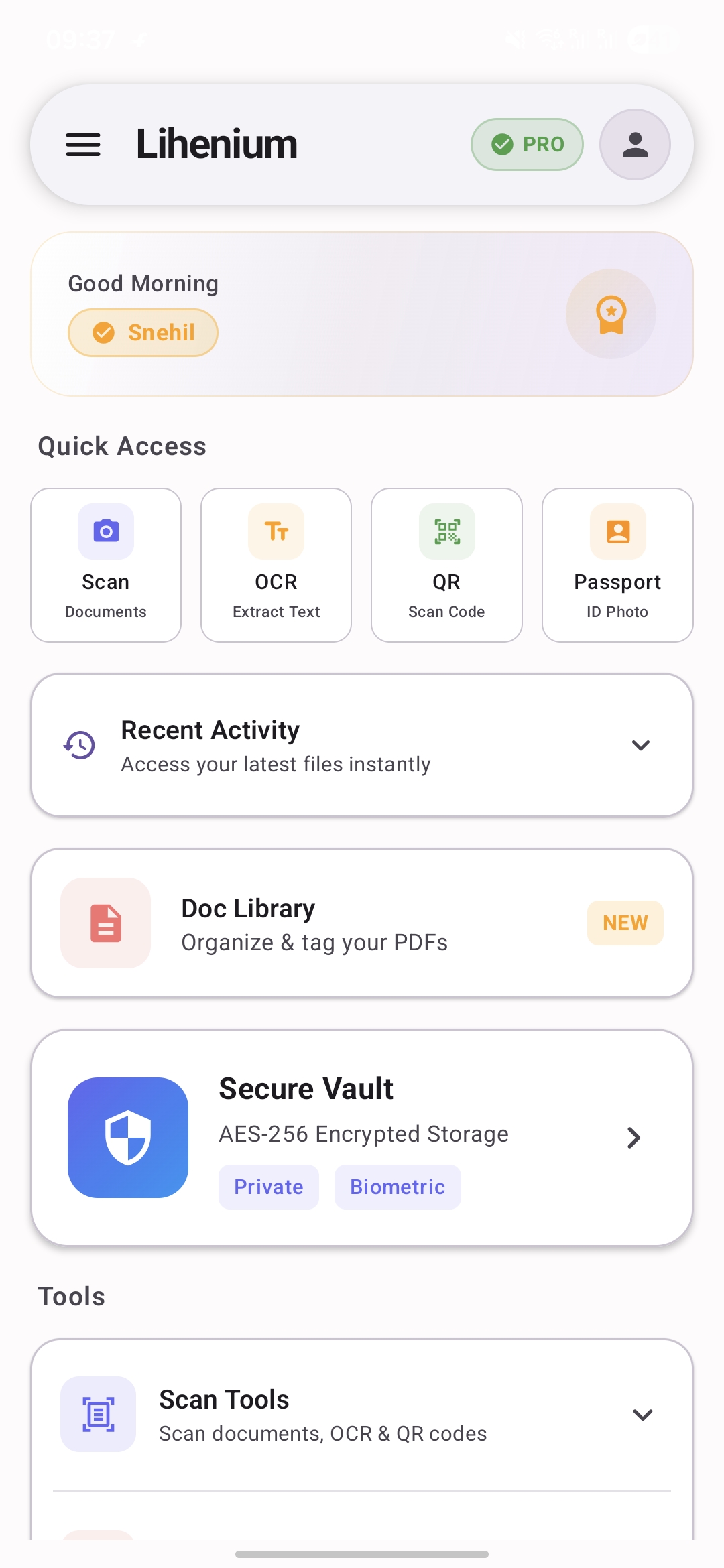
Quick access
Scan documents, extract text, scan QR codes, and open passport tools from one dashboard.
Vault and backup
Protect sensitive files, then restore or export when you actually need to move data.
What the app covers
Document tools, private storage, and backup in one app.
Scan pages, organize files, protect private documents, and restore backups when needed without jumping between separate apps.
Secure Vault handles private files, biometric access, and health checks so privacy and file management stay connected.
Use Google Drive backup when you want account-based restore, or export a local encrypted backup file when you prefer to stay in control.
App screens
Explore the main screens of Lihenium.
From scanning and folders to vault protection, backup, and passport tools, every screen stays focused and easy to understand.
Home overview
Quick actions, recent activity, library access, vault entry, and tools in one place.
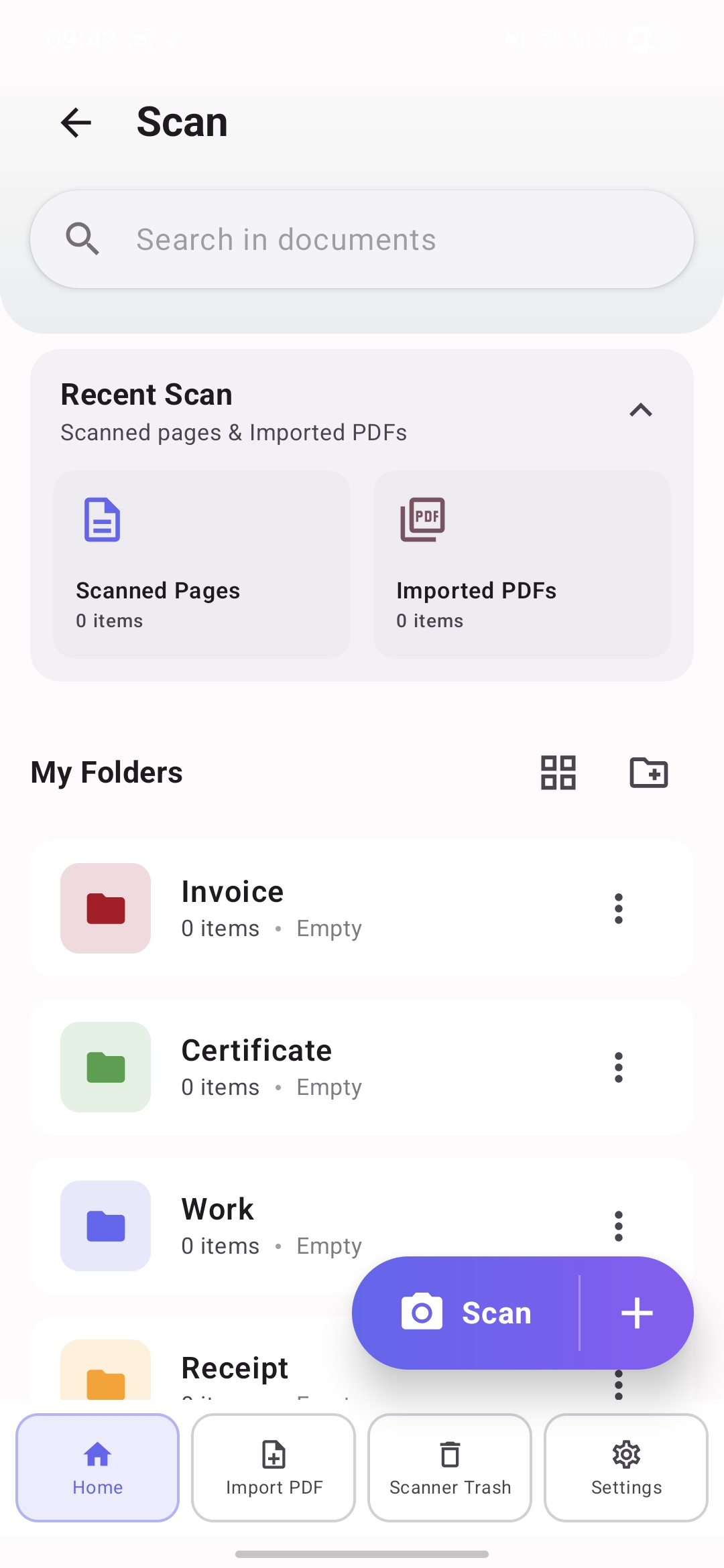
Scan workspace
See scanned pages, imported PDFs, folders, and the scan action together.
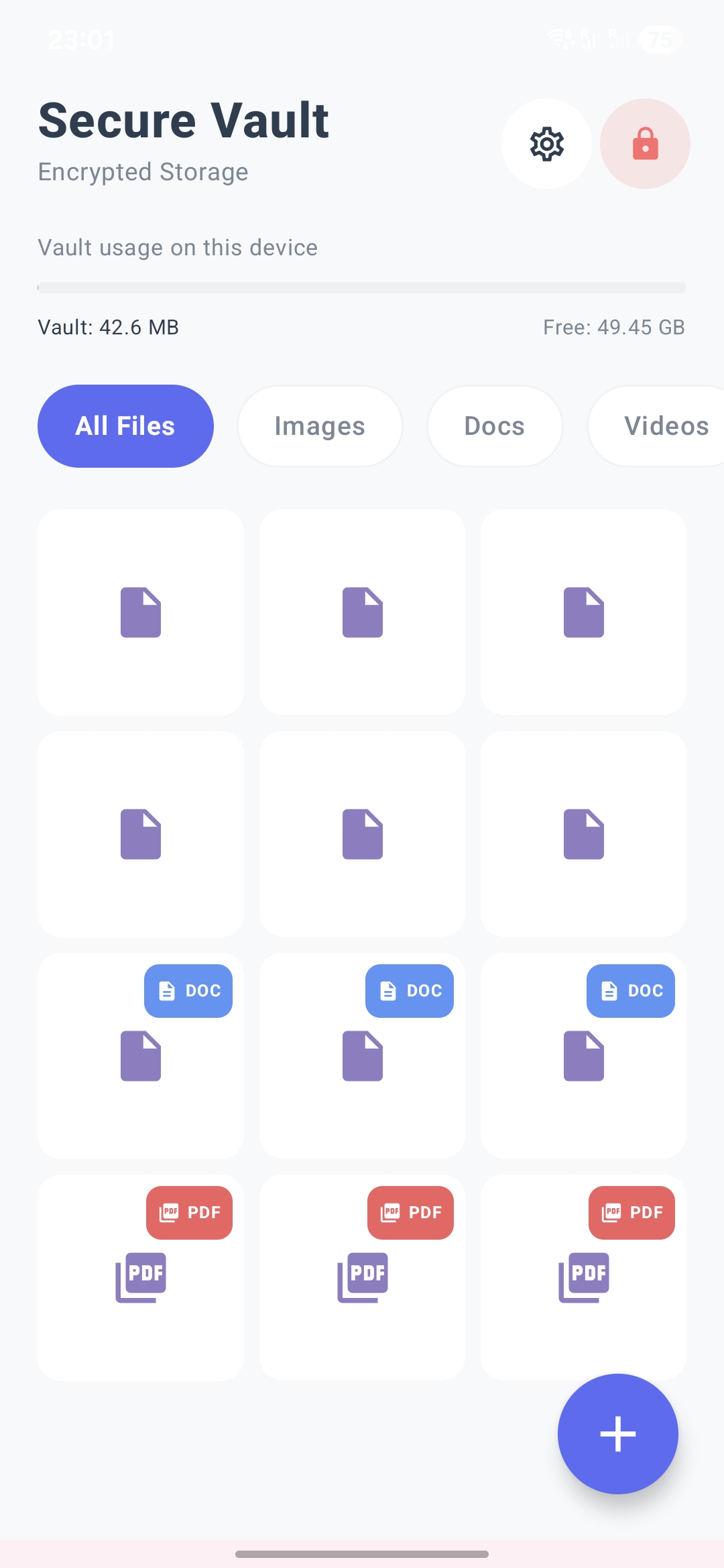
Private file storage
Protected images, docs, videos, and PDFs stay separate from the normal library.
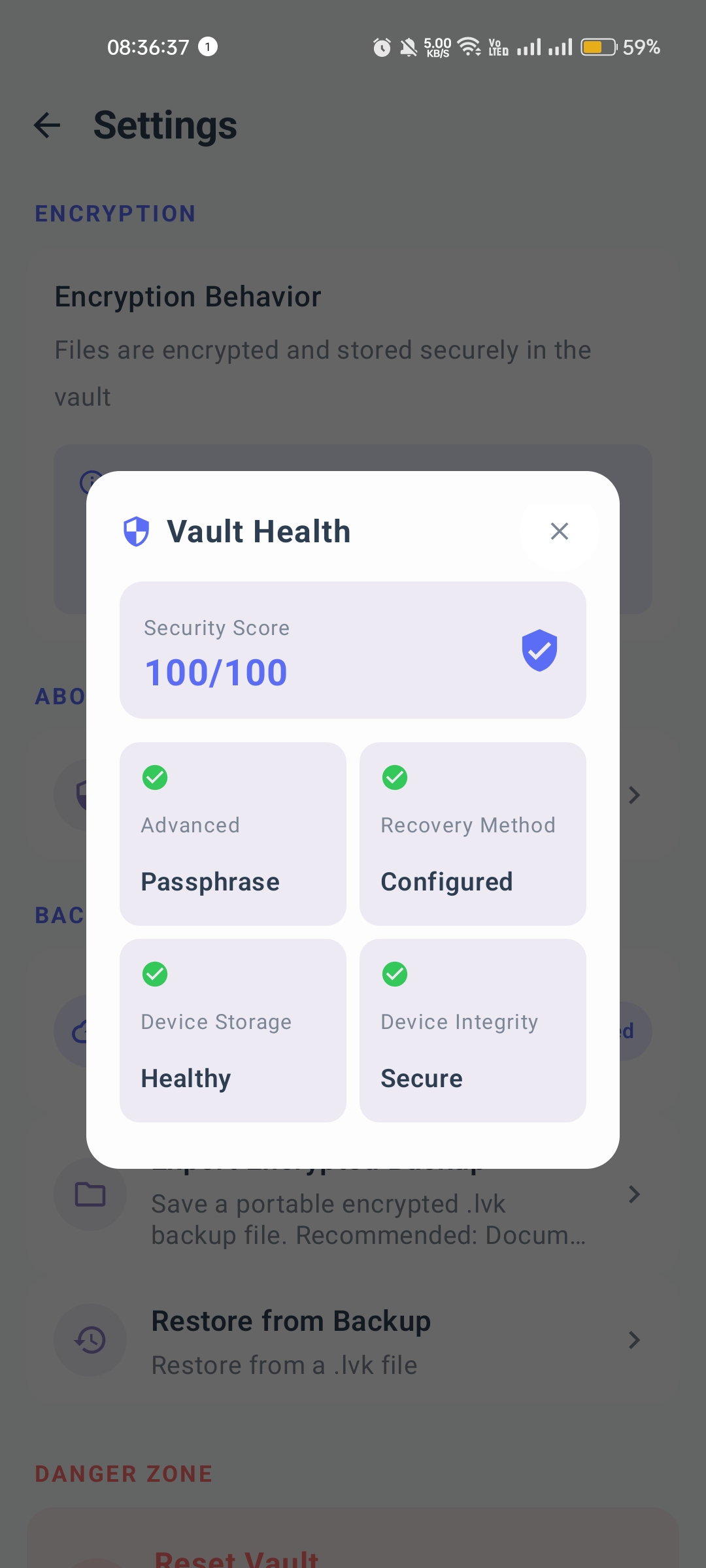
Vault health check
Security score, passphrase state, recovery method, storage, and integrity checks.
Cloud and local restore
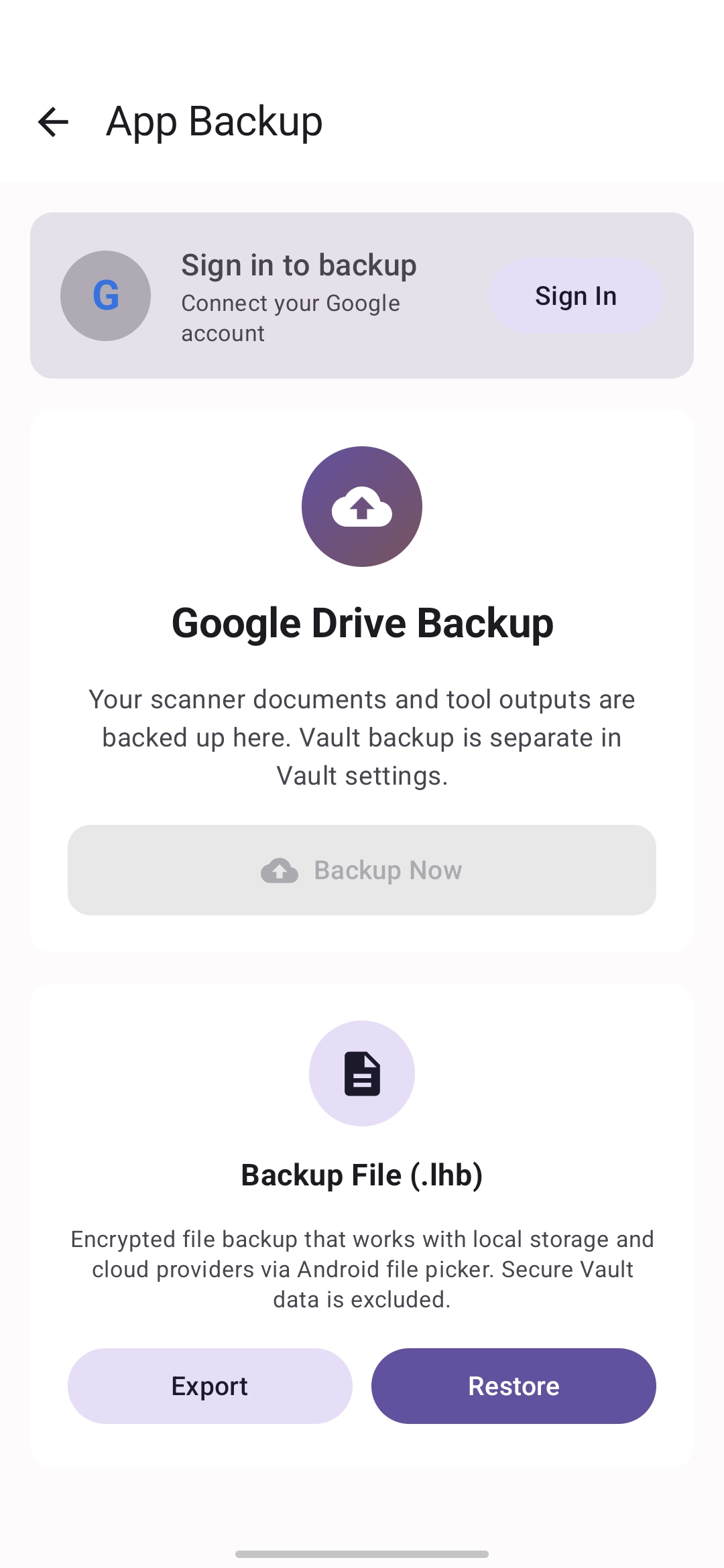
Sign in for Google Drive backup or export an encrypted local backup file instead.
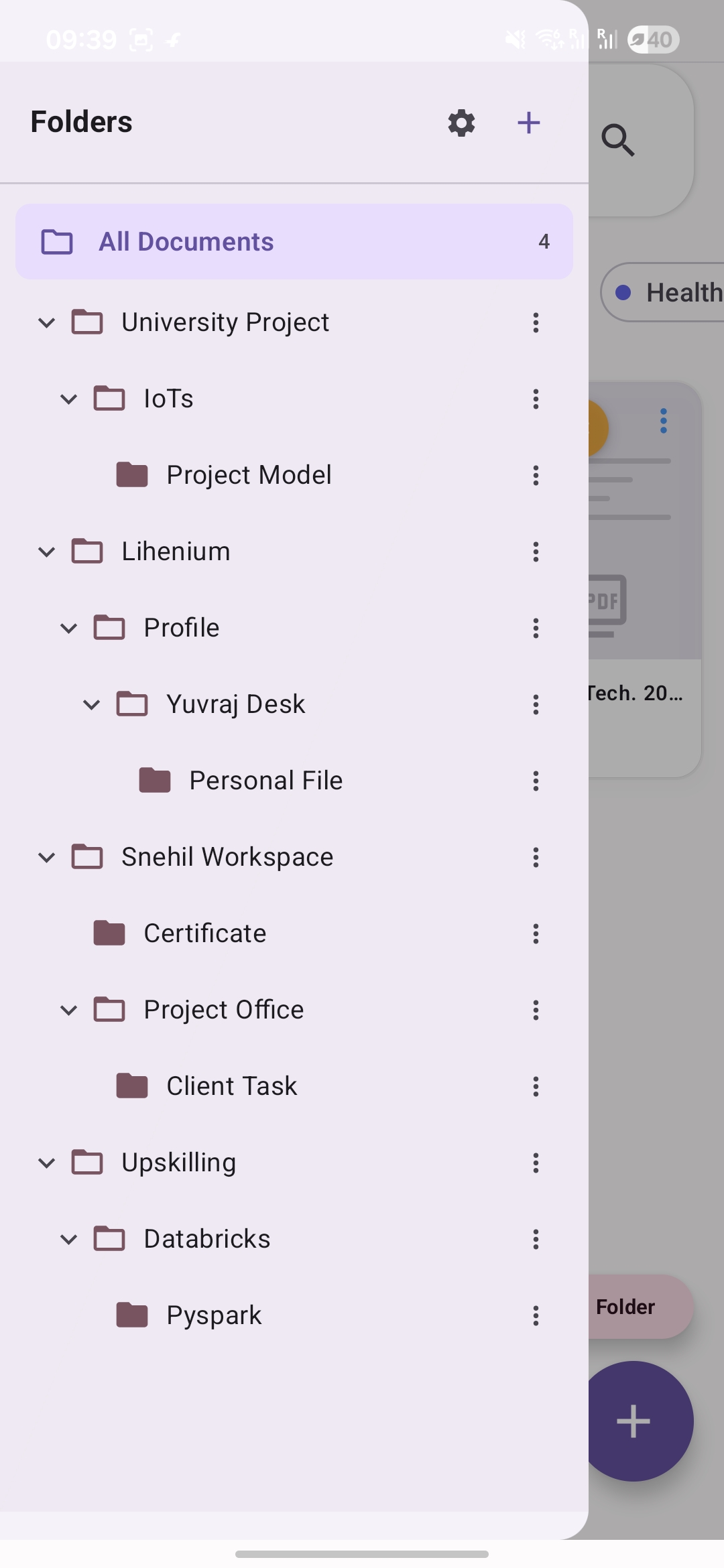
Nested folder tree
Large projects stay organized with nested folders and named document spaces.
Activity tree
Track scanner output, folders, and document areas from one browsable tree.
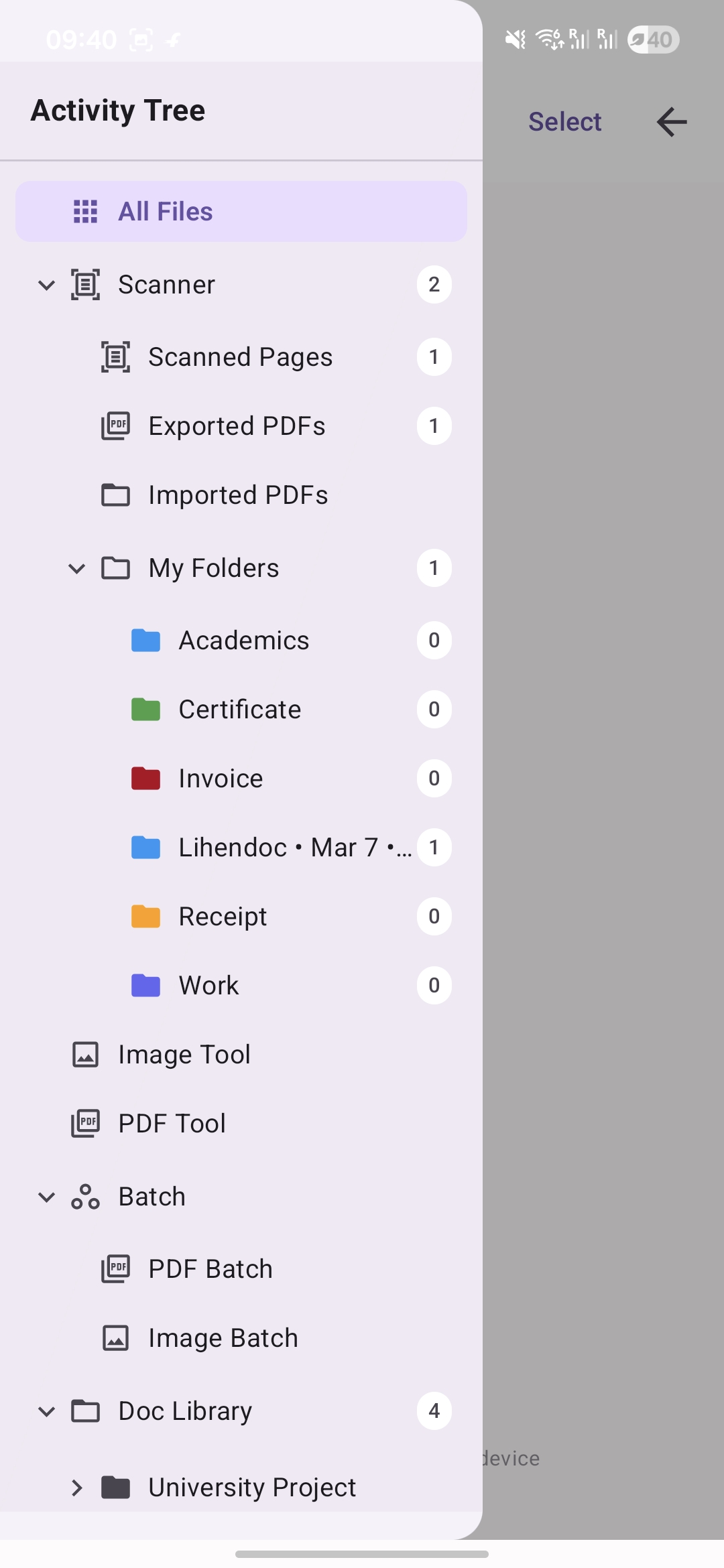
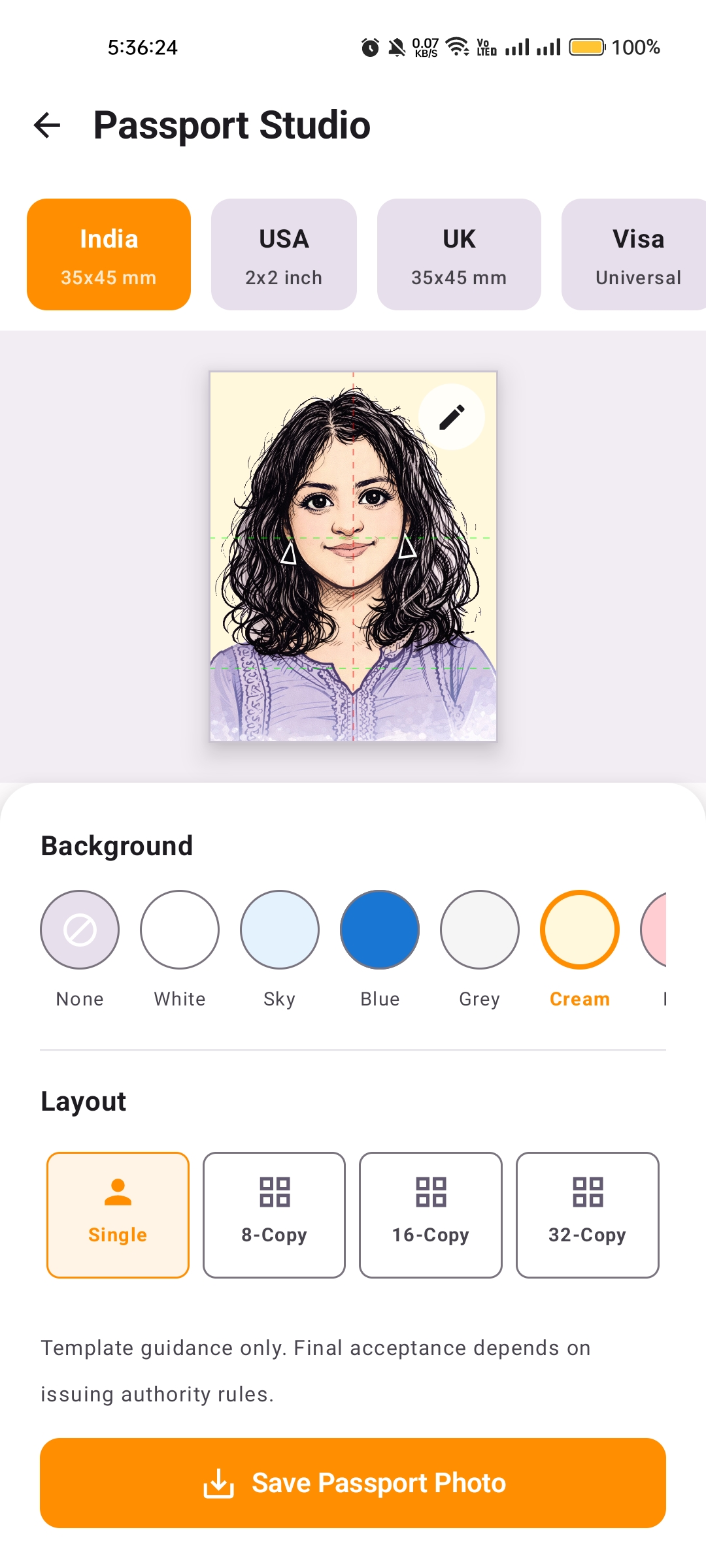
Photo tools for ready-to-save passport layouts
Switch country presets, adjust background options, pick layout counts, and export.
Privacy and support
Privacy, terms, and support in one place.
Find the official privacy policy, terms and conditions, and support email directly from the website.
Mostly on-device
Most document handling stays on your device by default.
Optional sign-in
Google sign-in is only needed for backup and restore flows.